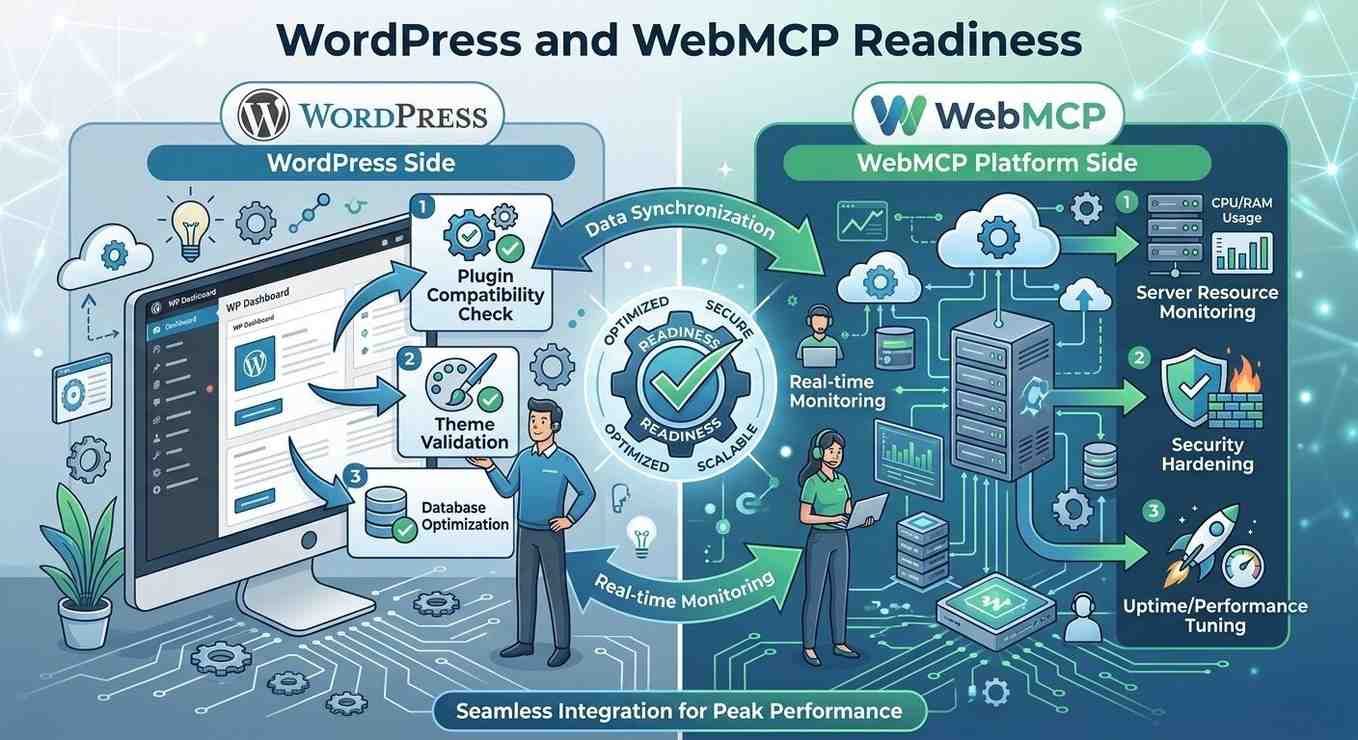
WordPress WebMCP Readiness Checklist for AI-Ready Websites
WordPress powers a significant portion of modern websites, but the way websites are used is rapidly changing. But the way websites are used is changing fast. AI agents are no longer only reading your content. AI agents can now submit forms, retrieve information and execute workflows on behalf of users.
This shift creates a clear distinction between:
- Websites that have been designed to be read
- Websites that have been designed to be executed.
Today, most WordPress sites belong to the first list. To switch over to the second type of website, you must implement WordPress WebMCP readiness. A structured framework for transforming your CMS into an AI-executable platform. If your company is reliant upon leads, bookings or transactions to survive, this is not optional but rather a competitive requirement.
Why Are WordPress Sites Not Keeping Up with AI Search?
Traditional SEO helps websites appear in search results, but AI systems are evolving beyond simple discovery. Their job is not only to discover your content but also to carry out tasks with it.
Most WordPress websites are designed primarily for human interaction rather than machine execution.
For examples:
- You have to provide input for forms manually.
- The plug-ins that you install have business processes that are hidden behind the user interface layer.
- APIs are often inconsistent, fragmented or poorly exposed.
- There are no structured definitions of the workflows created.
As a result, your website can be found by AI agents. However, they cannot use it. Furthermore, if AI agents cannot execute a workflow, that workflow effectively becomes invisible within AI-driven ecosystems.
Understanding WordPress WebMCP in Simple Terms
WebMCP provides WordPress websites with a structured execution framework. With WebMCP, instead of relying on HTML parsing or UI interpretation or take a “guess” about how to work with some things on your website, AI agents can:
- Discover defined tools (e.g., submit forms, run search)
- Understand input/output schemas
- Complete the task(s) that require actions (e.g., start a workflow)
- Receive structured responses after task execution
Basically, WebMCP will take your WordPress site and turn it into a machine-readable system of actions instead of just pages.
The 3 Levels of AI-Friendly WordPress
To find out where your site stands, break it down into three layers:
- Layer 1: Content (Visibility)
Blogs, landing pages and SEO content help users and search engines discover you.
- Layer 2: Data (Understanding)
Structured data, entities and schema help machines interpret your business.
- Layer 3: Execution (Action)
WebMCP enables AI agents to act – trigger workflows, submit data and complete tasks
- Almost all WordPress websites only get to layer 1 or 2
- AI-ready websites should operate effectively across all three layers.
WordPress WebMCP Readiness List
Look this list over when you evaluate your site. None of this is theory-based. All of this will affect your ability to find and convert users with the help of AI and eventually machine learning.
1. Identify Significant Business Workflows
Identify workflows that directly impact revenue, lead generation or customer engagement. By identifying the process as it pertains to your company.
For example:
- Contact forms – such as Gravity Forms
- Leads capture forms
- WooCommerce product search feature
- Appointment scheduling systems
- Quote request and demo booking forms
What to check:
- Identified important workflows
- Mapped to business results
- Categorized as the highest impact
If AI systems cannot execute a workflow, that workflow loses value in AI-driven environments.
2. Identify Significant Business Workflows
WordPress relies heavily on plugins but very few are designed for AI execution readiness.
Some common issues are:
- No AI-first architecture
- No structured data
- No API access
- Lack of extensibility
Example:
A form plugin can take in information, but will not have a structure or data format that can be accessible to AI (i.e., uses no schema).
What to Check:
- Plugin exposes usable data
- All outputs are structured
- The plugin can be extended using hooks and filters
If not, you would need a WebMCP integration layer or the ability to create a custom mapping.
3. Establish Well-Defined Input/Output Schemas
For the AI system to effectively carry out processes, AI systems require deterministic workflows rather than assumption-based interactions.
Every workflow should list:
- The inputs to the workflow
- How the inputs are formatted (validation rules)
- Expected structured outputs
Before vs. After:
Before: The contact form will only render visually.
After:
- Tool: submit_contact_form
- Inputs: name, email, message
- Output: success structure confirmation received message
What to Check:
- List of inputs
- Validation applied to the list of inputs
- Structured output
4. Properly Use WordPress REST API
WebMCP WordPress integration includes a REST API layer, but many websites fail to structure it properly for AI execution.
WebMCP relies on the following:
- Stable endpoints
- Structured responses
- Secure communication
What to Check:
- Workflows exposed via the API
- Endpoints standardized
- Authentication in place
- Consistency of responses
Without standardized APIs, AI systems cannot reliably interact with your website.
5. Improve Your Structured Data Layer
Traditional schema markup alone is no longer sufficient for AI execution readiness.
You will need the following:
- Clear entity definitions
- Relationships between the data
- Workflow-level structuring
This allows AI to understand your business and act on your workflows.
What to check:
- All entities have clear definitions
- Schema is aligned to workflows
- There are no fragmented data layers
6. Improve Your Structured Data Layer
AI-driven execution must be controlled.
Without safeguards: Spam will increase, abuse will increase and workflow execution becomes unreliable and vulnerable to abuse.
What to check:
- Input validation rules will be applied
- Rate limiting will be configured
- Role-based access control will be used
- Spam protection will be in effect
7. Enable Testing & AI Simulation
Before deploying your site, run through how your AI agents will functionally be used with it. This will help you:
- Identify schema issues
- Catch edge cases
- Increase reliability
What to check:
- Tools will have been tested with sample input
- Edge cases will be covered
- Logs will have been monitored
8. Align AI SEO with WordPress Workflow Execution
Alignment looks like:
- Content is connected to workflows
- Actions are embedded into pages
- Minimize friction between content discovery and workflow execution
What to check:
- Links to tools on pages
- Workflows embedded in the UX
- Clear action paths
Before vs. After WebMCP
| Without WebMCP | With WebMCP |
| Passive content | Executable workflows |
| Manual interaction | AI-driven execution |
| UI-dependent logic | Schema-driven workflows |
| Limited automation | Scalable automation |
Example: AI Executing a WordPress Workflow
Let’s make this practical.
Scenario: A user requests an AI assistant to submit a contact request form.
Without the WebMCP: The AI assistant cannot reliably execute the workflow.
With the WebMCP, the AI can:
- Find a tool
- Send structured data to the tool
- Automatically submit a form
By implementing this process, the user’s website has changed from being just a static interface into a real working system.
Typical WordPress Gaps Blocking WebMCP
WebMCP gaps available on most WordPress sites:
- Dependence on too many plugins
- Lack of API structure
- Limited UI-driven workflows
- No schema contracts
These are architectural limitations rather than simple UI issues.
Advanced WordPress Architecture Considerations for WebMCP
Large-scale WordPress environments require more than plugin-level optimization to support AI execution reliably. Enterprise-grade WebMCP readiness depends heavily on architectural consistency, API governance and execution-layer stability.
Key technical considerations include:
- Standardized REST API response structures
- Consistent schema governance across plugins
- Authentication and permission-layer controls
- Workflow observability and logging
- Queue management for asynchronous execution
- Version-controlled schema updates
- Headless WordPress compatibility
- Webhook reliability and retry handling
For websites operating across multiple plugins, themes and integrations, fragmented architecture can create inconsistencies that reduce AI execution reliability.
This is why scalable WordPress WebMCP infrastructure should prioritize:
- deterministic workflows
- machine-readable contracts
- centralized schema validation
- execution monitoring systems
- scalable AI integration infrastructure
As AI systems increasingly depend on structured execution environments, WordPress websites must evolve beyond traditional CMS architecture toward fully interoperable AI-ready systems.
Who Should Prioritise This Activity?
- Lead generation websites
- WooCommerce sites
- SaaS platforms on WordPress
- Agencies with many sites to manage
- Service-based businesses
If your website relies on user interaction, your ability to grow will be contingent on your ability to execute with a WebMCP-ready website.
FAQs:
Start small by focusing on one workflow and growing from there.
For implementation, yes – at least for the API and schema layer.
They can assist, but WebMCP requires a structured architecture over and above what you would get with plugins.
No. WebMCP extends traditional SEO into workflow execution and AI interaction.
Before your competition does. This is an early advantage layer.
Final Words!
The purpose of WordPress is changing. It will no longer just be about publishing content but will now enable interaction between machines and users.
Without WebMCP:
- Your workflows remain inaccessible to AI systems.
- AI cannot execute actions
- Conversion potential is limited
With WebMCP:
- Your site becomes actionable
- AI can interact and convert
- Your infrastructure becomes future-ready
Build a WordPress Infrastructure Designed for AI Execution
A majority of current WordPress sites are not built for the run of a machine (like artificial intelligence), but this is where the latest emerging technology presents an opportunity.Our business, WebMCP, is focused on converting legacy WordPress platforms into machine-readable and AI-executable systems by:
- Mapping the workflow from paper to machine-readable format
- Building machine-readable structured schemas
- Making APIs easier to use
- Creating a complete WebMCP infrastructure
It doesn’t matter if you’re running a simple blog or a complex SaaS website. The objective is the same: to create a machine-executable website, NOT just a website that can be seen by a machine.
If you want to capitalize on the new wave of AI-based site traffic, you need to get on the ball now!