WebMCP
Inspector
Chrome Extension
Inspect, validate and debug WebMCP implementations directly inside Chrome with a developer-first toolkit built for the AI-driven web.
WebMCP Inspector helps developers analyze AI-callable tools, monitor WebMCP activity, validate structured systems and test AI-agent interactions in real time.
Built for developers, agencies and AI infrastructure teams, WebMCP Inspector provides complete visibility into how AI systems interact with your website’s tools, APIs and structured data layers. From compliance audits and live execution monitoring to AI-assisted debugging and workflow validation, the extension helps teams identify issues faster, improve WebMCP compatibility and build reliable AI-executable web experiences with confidence.
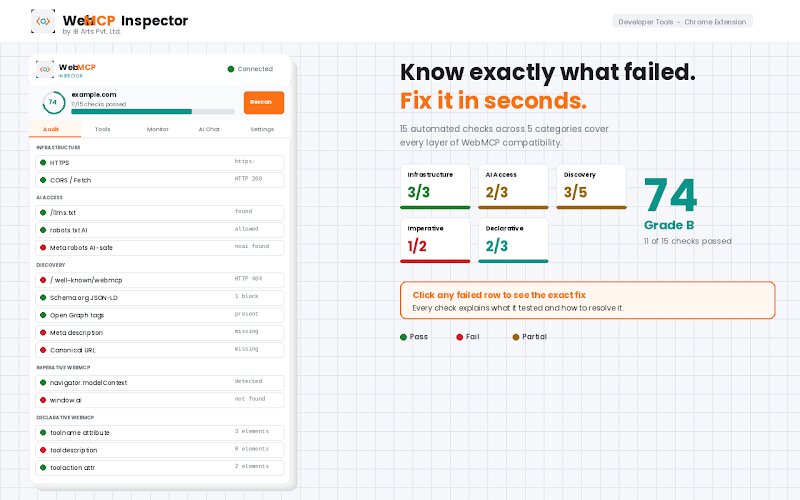
What is WebMCP Inspector?
WebMCP Inspector is a developer-focused Chrome Extension designed to help teams test, debug and validate WebMCP implementations across websites and applications. As AI systems increasingly interact with websites through structured tools instead of traditional interfaces, developers need visibility into how these systems operate.
WebMCP Inspector provides a complete inspection and debugging environment for:
- WebMCP tool discovery
- AI-agent interaction testing
- Structured data validation
- Execution monitoring
- Workflow debugging
- WebMCP compliance auditing
The extension acts as a real-time developer console for the WebMCP layer inside modern websites.
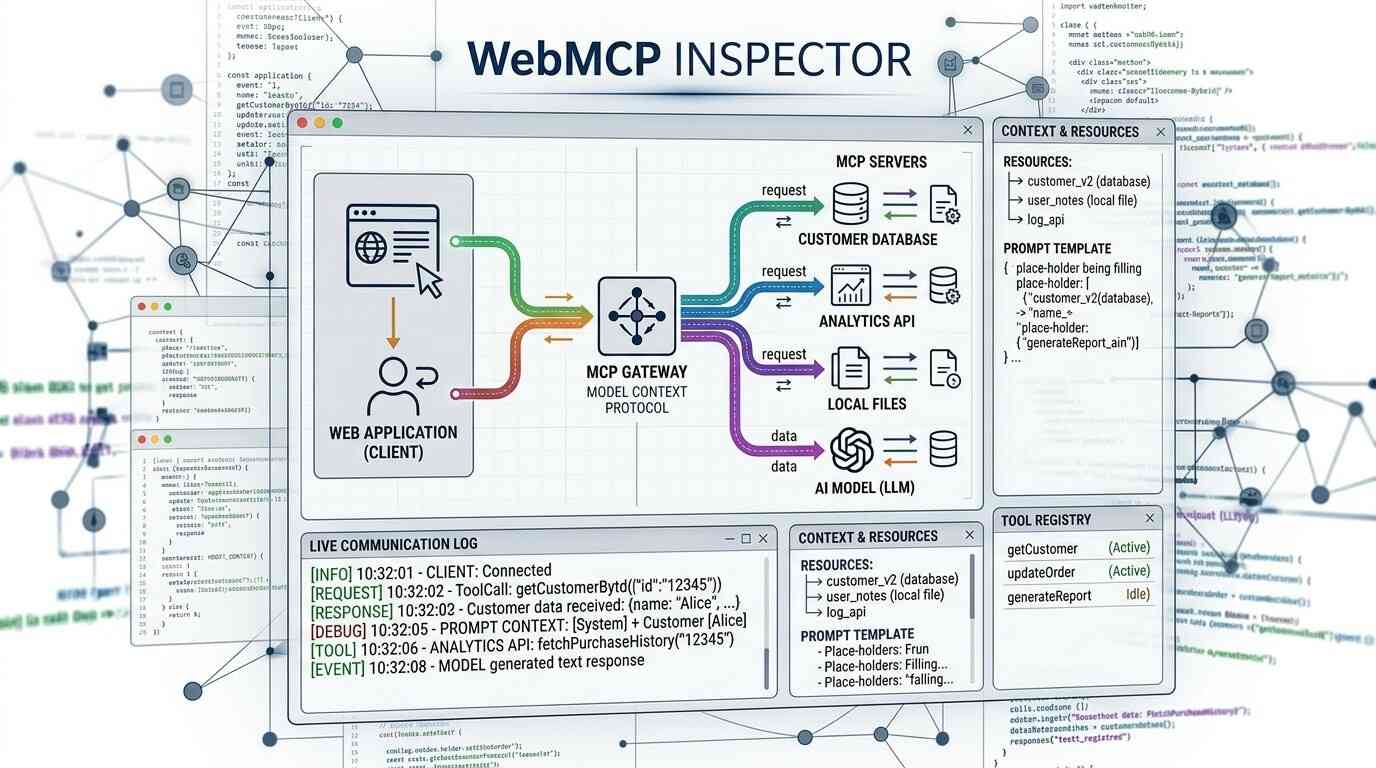
Why WebMCP Inspector Matters
Traditional developer tools were built for frontend rendering, APIs and browser debugging.
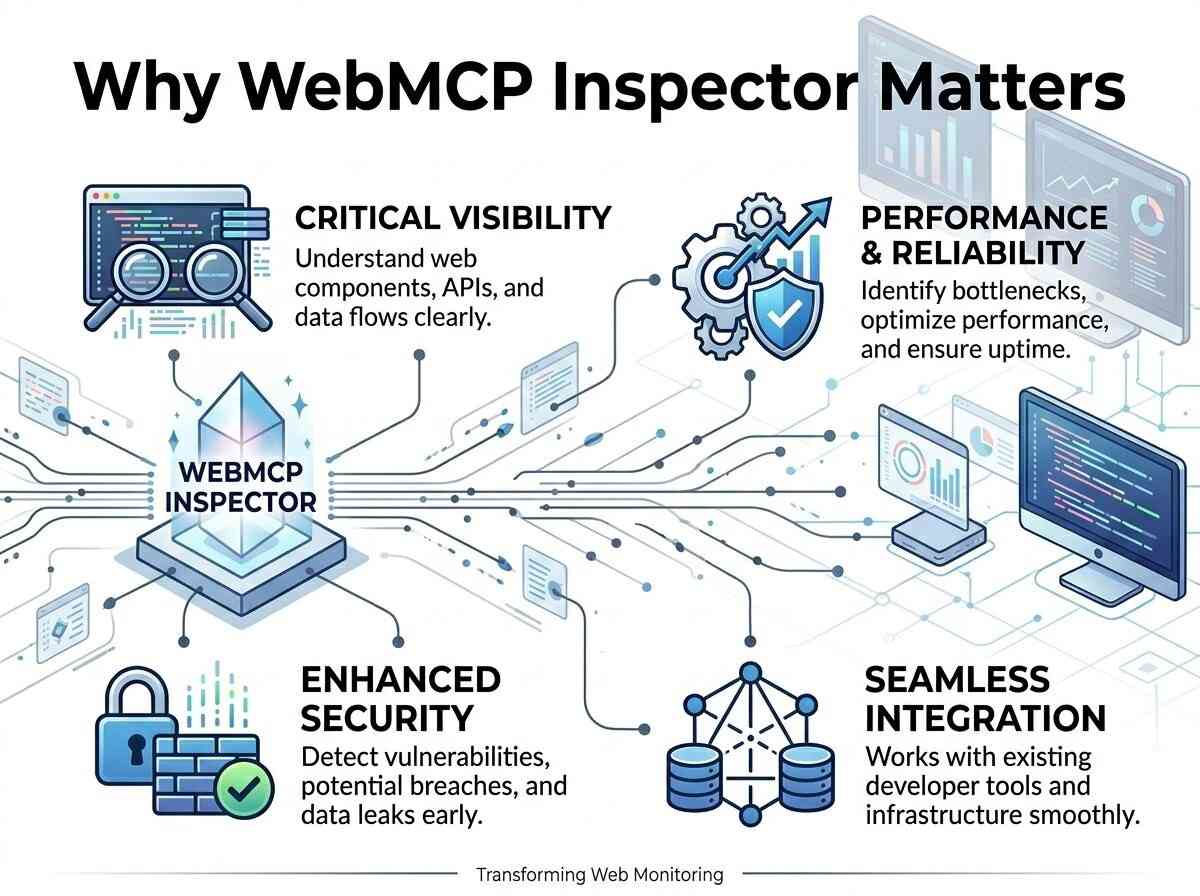
AI-driven systems introduce new requirements:
- AI agents need callable tools
- Structured workflows must be validated
- Tool schemas must be machine-readable
- Execution flows must be observable
- AI interactions require testing environments
Without proper inspection tools, developers cannot easily verify:
- Whether WebMCP tools are discoverable
- If AI systems can access execution layers
- Whether tool schemas are valid
- How workflows behave during execution
- Why AI agents fail to interact correctly
WebMCP Inspector solves these challenges with a dedicated AI-interaction debugging environment.
Core Features of WebMCP Inspector

Audit Tab
Run a comprehensive WebMCP compliance scan directly inside Chrome
The audit system performs structured validation checks across:
- HTTPS configuration
- llms.txt accessibility
- AI crawler permissions
- /.well-known/webmcp manifest validation
- navigator.modelContext detection
- window.ai support
- Declarative WebMCP attributes
- Schema.org implementation
- Open Graph validation
- Structured metadata readiness
Each validation issue includes actionable recommendations to help developers resolve implementation gaps quickly.
Outcome
Developers can instantly identify WebMCP compatibility issues and improve AI-readiness across websites and applications.

Tools Tab
Inspect all registered WebMCP tools directly from the active page.
The extension detects both:
- Imperative JavaScript tools
- Declarative HTML-based tools
Developers can:
- View full tool schemas
- Inspect parameters and definitions
- Analyze tool structure
- Trigger tools directly
- Validate execution responses
Outcome
Complete visibility into how AI agents interact with available tools and execution systems.

Monitor Tab
Track real-time WebMCP activity as it happens.
The live monitoring system captures:
- Tool registrations
- Tool invocations
- Execution responses
- Payload updates
- Context changes
- Dynamic event activity
Developers can inspect full payloads for every interaction.
Outcome
Easier debugging for dynamic systems, automated workflows and AI-driven execution environments.

AI Chat Tab
Connect your preferred AI provider directly inside the extension.
Supported providers include:
- OpenAI GPT
- Anthropic Claude
- Google Gemini
- Local Ollama models
The AI chat system can:
- Analyze WebMCP readiness
- Explain the detected tools
- Interact with available execution systems
- Trigger tools on your behalf
- Debug AI-agent behavior
Outcome
Developers can simulate real AI-agent interaction using actual tools discovered on the page.

Settings & Local API Management
Manage AI provider integrations securely from the extension settings.
Features include:
- Bring-your-own API keys
- Local storage-based key management
- Provider switching
- Ollama local execution support
- Configuration controls
Outcome
Developers maintain full control over AI integrations without exposing sensitive credentials.

Export Full Inspection Reports
Generate structured JSON reports containing complete WebMCP inspection results.
Exported reports include:
- Audit results
- Detected tools
- Validation issues
- Execution logs
- System insights
Outcome
Teams can share findings, document implementations and perform external analysis efficiently.
Privacy & Data Handling
WebMCP Inspector is designed as a local, client-side developer tool.
The extension developers do not collect, transmit or store personal user data on external servers.
How Data is Handled
Local Processing
All inspection and validation processes occur locally within your browser environment.
Local Storage
API keys and preferences are stored securely using Chrome’s local storage system.
No Remote Databases
The extension does not maintain external databases containing user information.
Third-Party AI Providers
If AI chat functionality is used, prompts and context data are sent directly to the selected provider:
- OpenAI
- Anthropic
- Google Gemini
- Ollama (local execution option)
User Control
Users can:
- Remove API keys anytime
- Clear chat history
- Uninstall the extension to remove all stored data

Who Should Use WebMCP Inspector?

WebMCP Inspector is built for teams developing AI-compatible digital systems.
Ideal for:
- Frontend Developers
- Full-Stack Engineers
- AI Infrastructure Teams
- WebMCP Developers
- Digital Product Teams
- Technical SEO Teams
- Automation Engineers
- Enterprise Development Teams
- Agencies Building AI-Ready Platforms
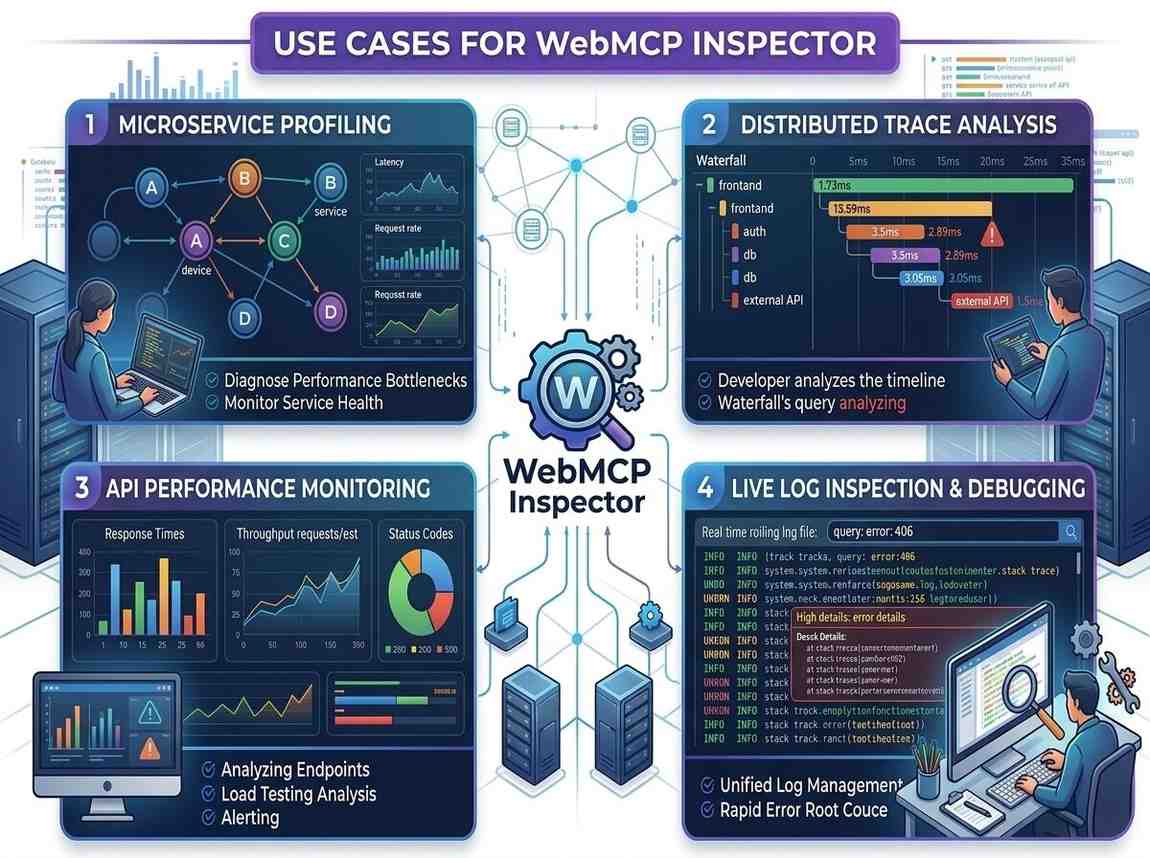
Use Cases for WebMCP Inspector
WebMCP Tool Validation
Verify whether tools are correctly registered and accessible to AI agents.
AI-Agent Debugging
Analyze why AI systems fail to execute workflows or interact with tools.
Structured Workflow Testing
Test execution flows and monitor real-time interactions across systems.
Compliance Auditing
Validate websites against WebMCP implementation standards and AI-readiness requirements.
Schema & Metadata Analysis
Inspect structured data layers supporting AI discoverability and execution.
Enterprise AI Integration Testing
Monitor how enterprise systems expose tools, APIs and execution environments.
How to Get Started
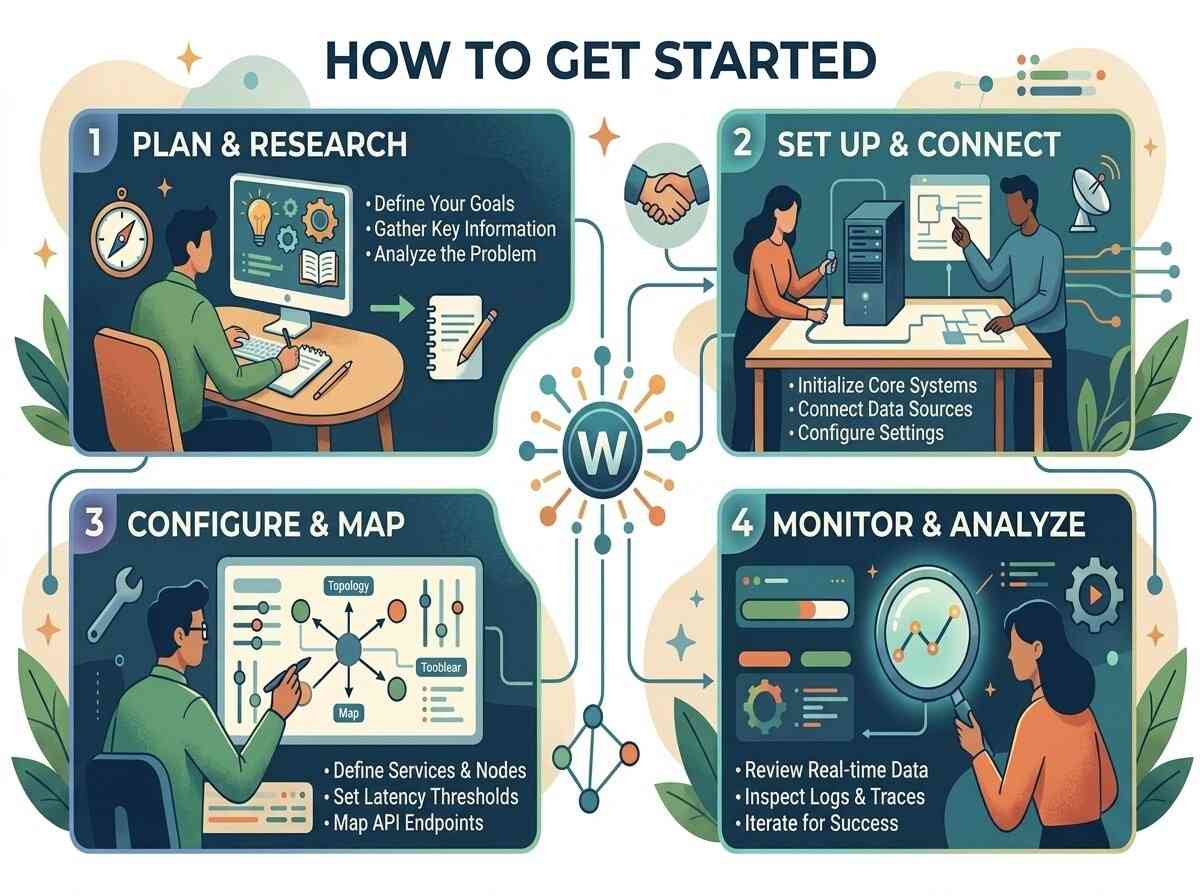
Getting started with WebMCP Inspector is simple:
Step 1
Enable the WebMCP testing flag inside Chrome:
chrome://flags/#enable-webmcp-testing
Step 2
Install the WebMCP Inspector Chrome Extension.
Step 3
Navigate to any website or application.
Step 4
Open the extension from the Chrome toolbar.
Step 5
Run a scan and inspect your WebMCP environment instantly.
Why Choose WebMCP Inspector?
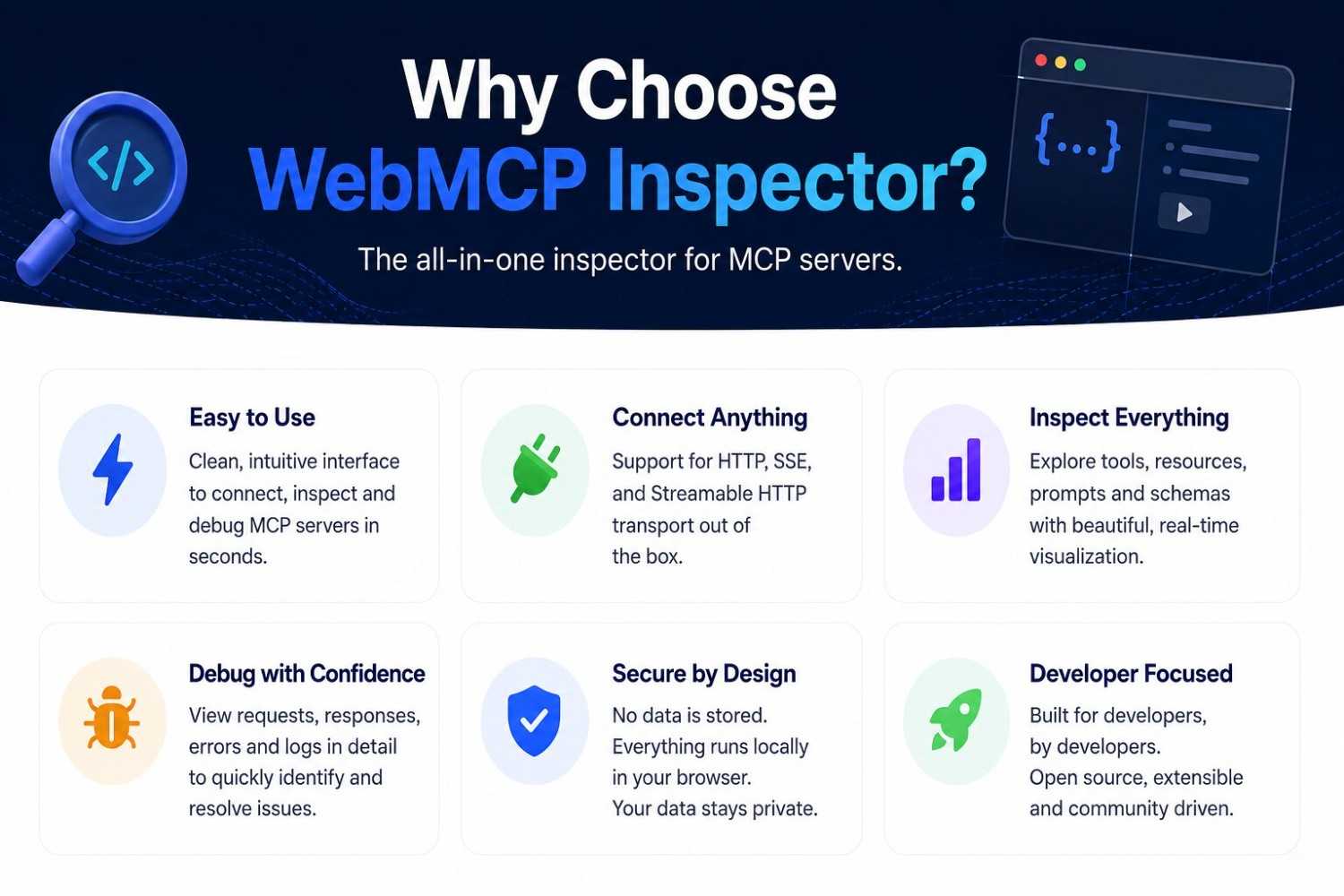
Built Specifically for WebMCP
Purpose-built for AI agent debugging and structured execution systems.
Developer-Focused Interface
Provides technical visibility into tools, schema, events and execution flows.
Real-Time Monitoring
Track dynamic interactions and AI-driven events live.
AI-Integrated Testing
Test actual AI-agent behavior using connected AI providers.
Privacy-First Architecture
No developer-side data collection or remote storage.
Future-Ready Tooling
Designed for the next generation of AI-integrated web systems.
Frequently Asked Questions
It is a Chrome Extension that helps developers inspect, validate and debug WebMCP implementations and AI-callable tools.
No. All processing and storage occur locally on the user’s device.
Yes. The extension supports OpenAI, Anthropic, Google Gemini and local Ollama models.
It checks WebMCP readiness, structured data, manifests, AI accessibility and execution-related configurations.
It is designed for developers, agencies, AI teams and businesses building AI-ready web systems.
Build and Debug AI-Ready Web Systems
AI systems are changing how websites are discovered, interpreted and executed.
WebMCP Inspector gives developers the visibility and tooling needed to build reliable, structured and AI-compatible digital systems for the next generation of the web.